1. Choose the app purpose
Decide whether the app is mainly for offers, community posts, loyalty, bookings, launches, events or customer education. This keeps the first version focused.
 CommunityOS
A customer app gives your business a direct place for updates, offers, loyalty, referrals and customer conversations, without depending entirely on social media platforms.
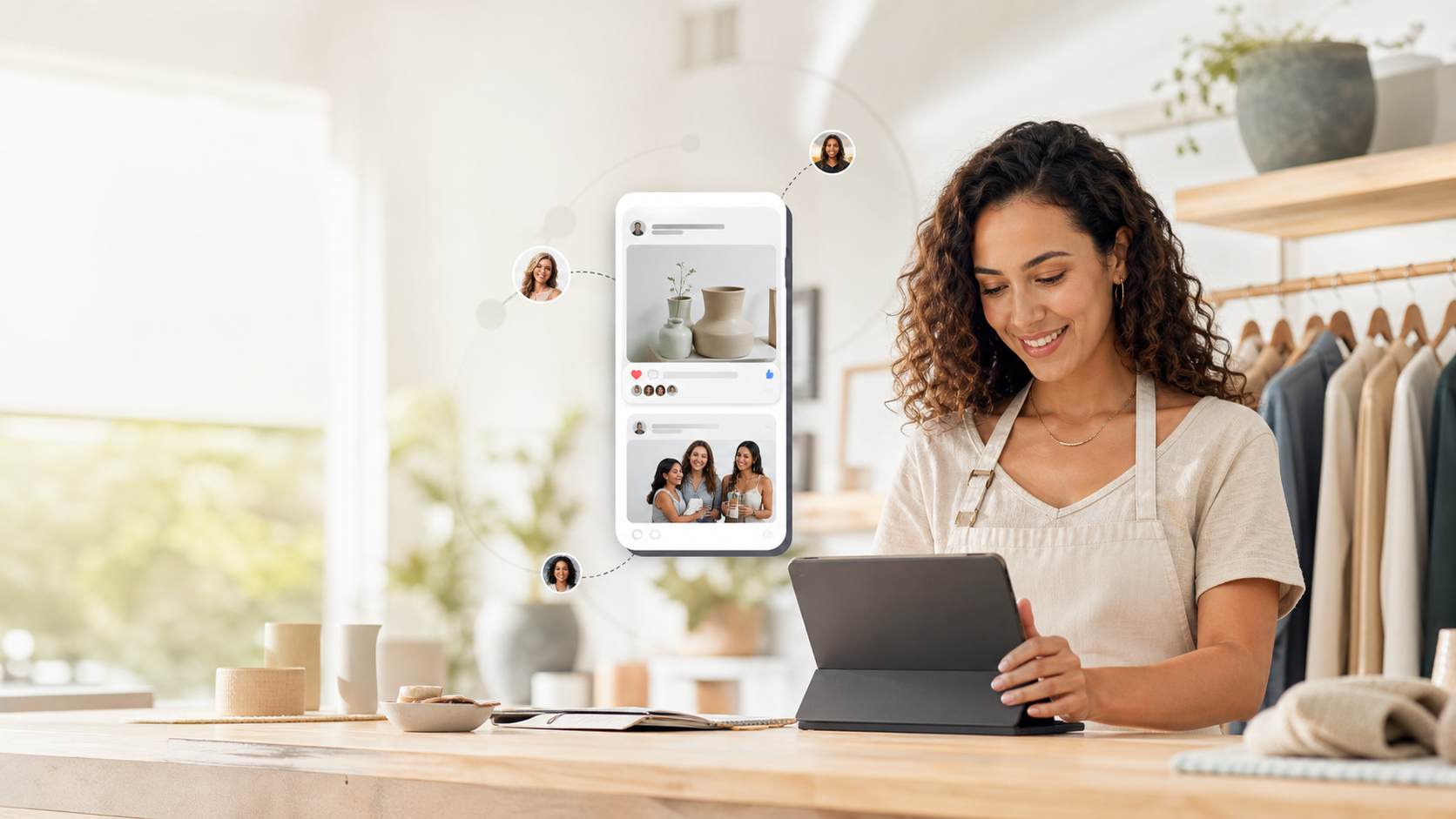
The best customer apps are not overloaded at launch. They answer one question for the customer: why should I open this instead of waiting for a social post? That reason could be VIP offers, early access, loyalty rewards, event booking, private updates or a useful customer community.

Decide whether the app is mainly for offers, community posts, loyalty, bookings, launches, events or customer education. This keeps the first version focused.
Upload the logo, app icon, splash screen, background, colours and customer-facing template so the app feels like the business, not a generic portal.
Add a welcome post, an app-only offer, one event or campaign, and a simple invite message that tells customers why to join.
Customers need their own area for profile details, rewards, events, saved offers, invite links and notification preferences.
Measure installs, views, shares, offer claims, referrals and repeat visits so you can see which activity brings customers back.
Use scheduled posts, reusable content libraries, push notifications and customer segments to turn the app into a repeat customer channel.
CommunityOS combines the branded PWA, customer feed, post scheduling, loyalty, referrals, events, customer accounts and analytics in one place.